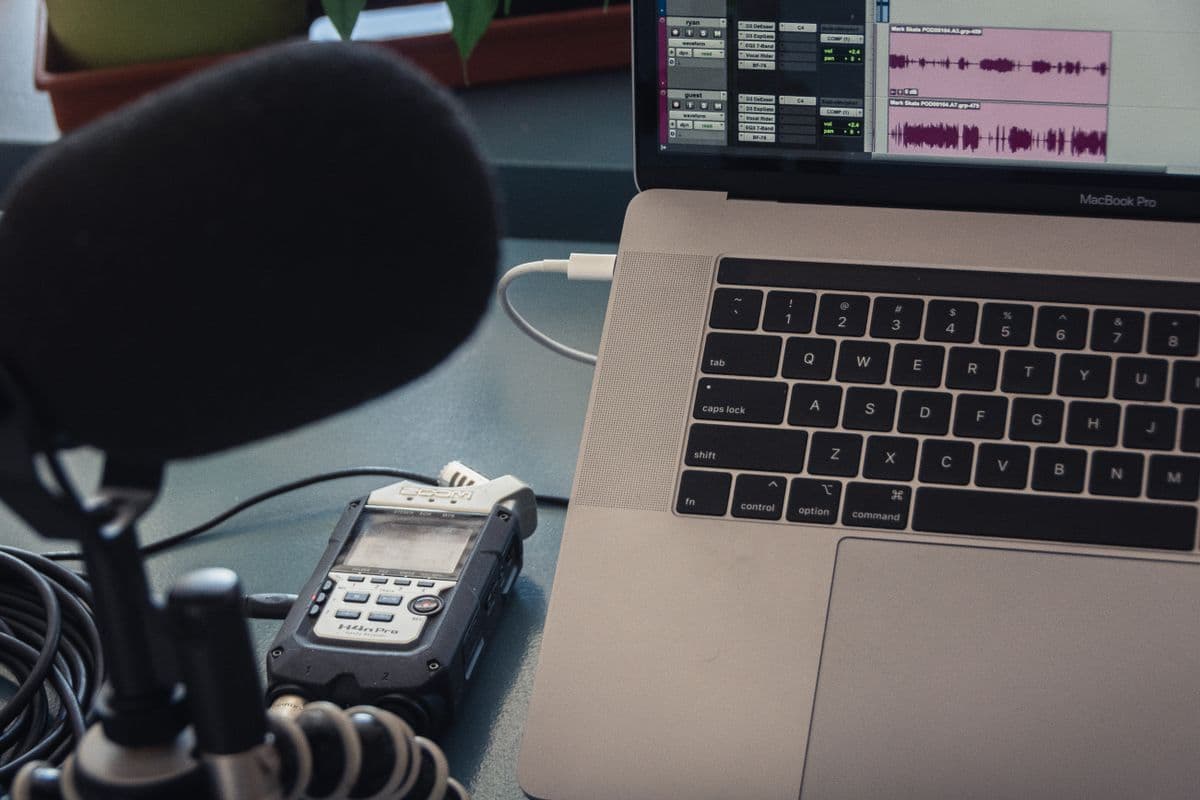
As a Mac-using webmaster, I always have co-workers and friends asking what programs I use.
So here they are:
Design:
Adobe Photoshop CS2, I can create anything that I need to and love using tutorials to learn more.
Adobe Illustrator CS2, I don’t know much of anything about Illustrator except that I should be using it for logo’s since it is vector based. I can however follow a tutorial. 🙂
Code:
Smultron (Text editor), I tried a few of the paid text editing programs, and they didn’t do anything more than Smultron (for the stuff that I do). So I stuck with Smultron. It is very lightweight and easy to use.
Dreamweaver 8, Don’t really know much about Dreamweaver, I’ve never used any tools like it before, and don’t know if it really has a place in my life with all of the free templates available, and the ability of my developers to turn a PSD (Photoshop) into CSS/XHTML (or WordPress) in just a few days.
Adobe GoLive, As with Dreamweaver 8 I don’t really know much about GoLive except that the default code is heavy.
FTP:
Cyberduck, Cyberduck is without a doubt the best FTP program I’ve used. At first I didn’t like the layout and wanted something with side-by-side windows like I was used to on my PC. After using a few of the side-by-side programs with limited success, I tried Cyberduck. I stuck with it because it actually worked, when all of the others crashed. Now I like the fluid interface and it’s ability to interact with Mac OS X instead of residing on top of it.
Misc:
Firefox, Crashes all the time, can’t seem to avoid the spinning beach (pizza, colored) ball (wheel, circle).
Entourage/Gmail, email for work and personal.
iTunes/iPhoto, Managing music and pictures.
Quicken 2006, Horrible for my business but it was free. It won’t print invoices, and doesn’t really have a way to track them. Good for personal finance.
Apple Remote Desktop, Absolutely necessary for managing multiple computers across multiple campuses.
NetRestore Helper, Create and deploy an image of a computer. My smallest image (full version of Mac OS X 10.3.9 with apps) is 750 mb’s. Yes, I’m proud of that!
Microsoft Office 2004, Excel and Word mainly.
That’s about it. For a more complete list of the programs I have installed check out this post. Have a program to recommend? I’d love to hear it!